
spyder-modelx v0.15#
To update spyder-modelx, run the following command:
>>> pip install spyder-modelx --upgrade
If you’re using Anaconda, use the conda command instead:
>>> conda update spyder-modelx
spyder-modelx v0.15.0 (25 January 2026)#
This release reflects enhanced MxAnalyzer UI:
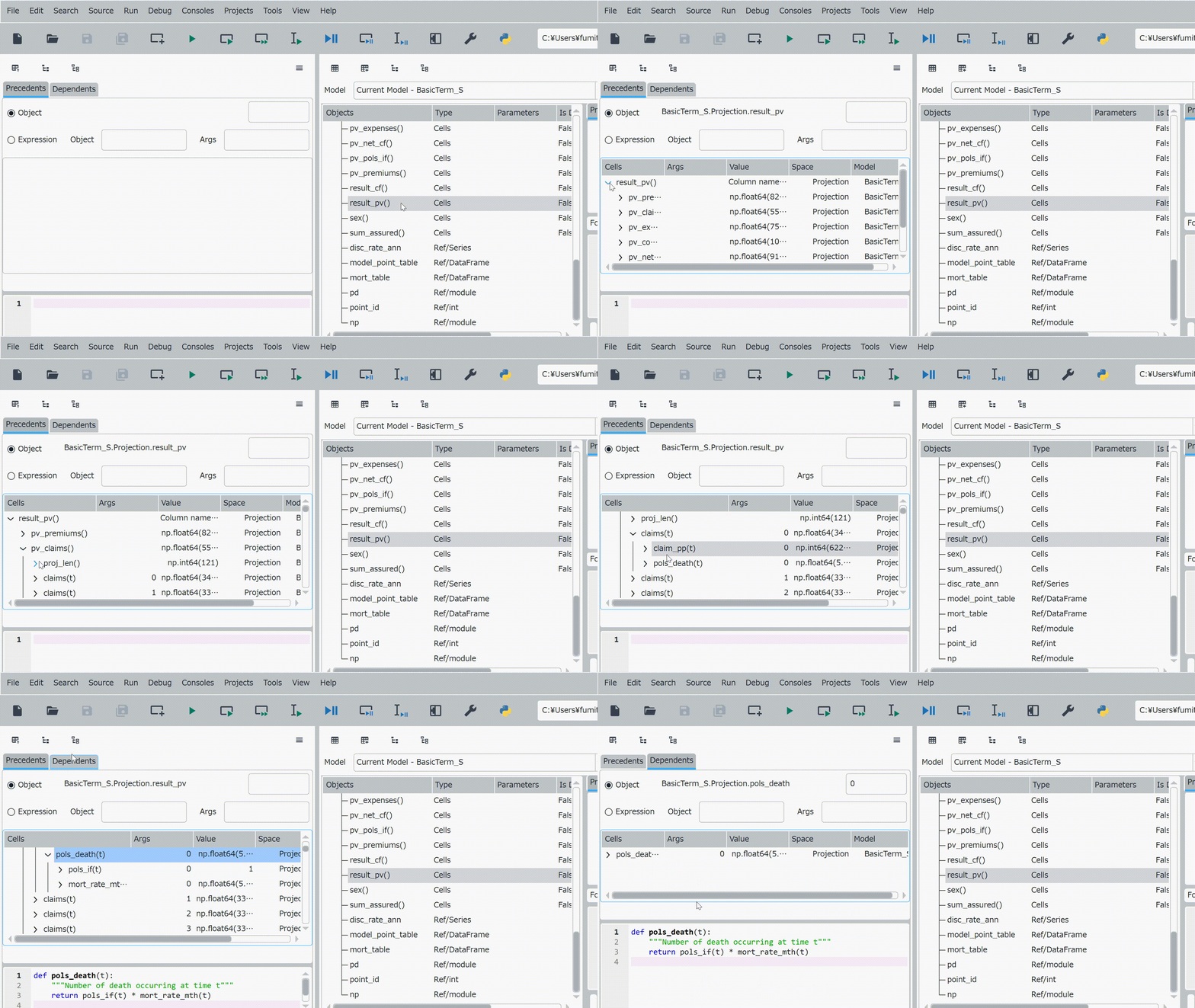
MxAnalyzer UI enhancements demonstration#
Enhancements#
MxExplorer
Context menu now has two new items, Analyze precedents and Analyze dependents, replacing Analyze selected.
The new items are also added as toolbar icons.
MxAnalyzer
Now has two new context menu items, Analyze precedents and Analyze dependents, which set the current node as the selected object either in the precedents tab or the dependents tab.
Now has 3 toolbar icons that correspond to the context menu items.